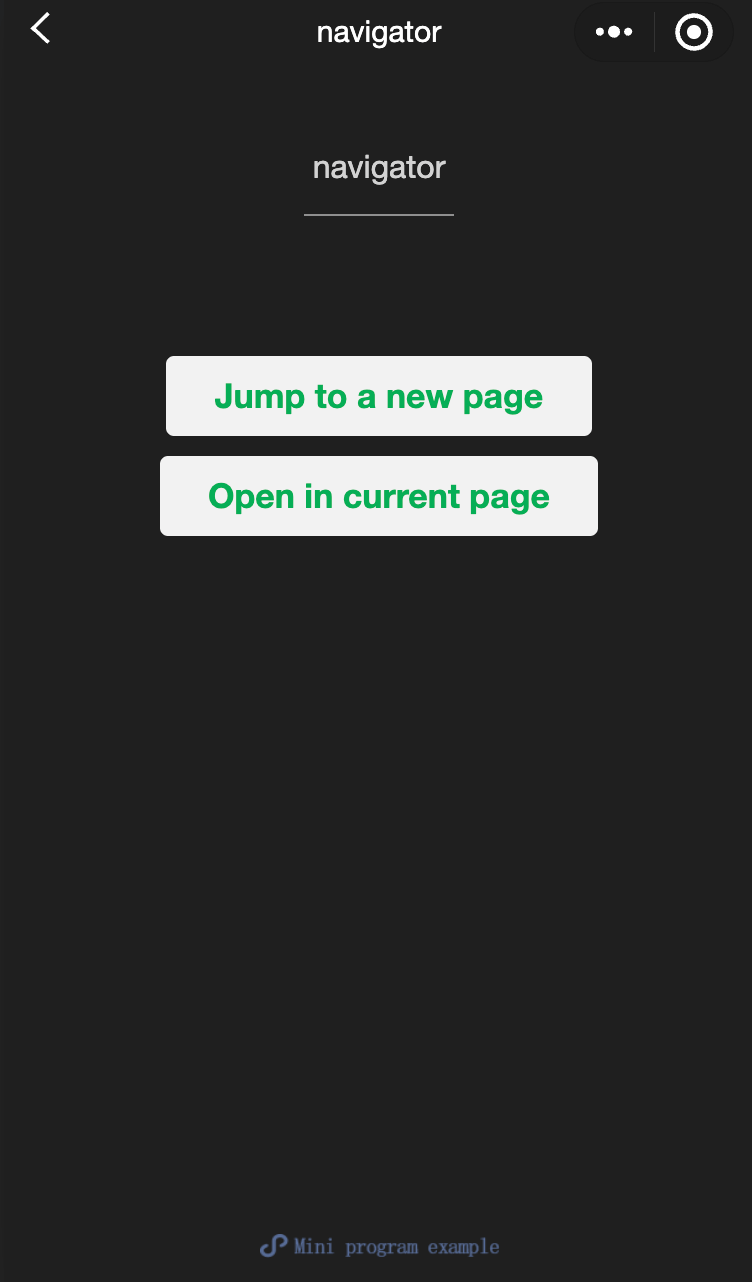
導航組件
navigator
功能說明: 頁面連結。
參數及說明:
| 内容 | 類型 | 合法值及說明 | 預設值 | 必填 | 說明 |
|---|---|---|---|---|---|
| target | string | self:當前小程序 miniProgram:其他小程序 | self | 否 | 在哪個目標上發生跳轉,默認當前小程序 |
| url | string | - | - | 否 | 當前小程序內的跳轉 |
| open-type | string | navigate:對應wx.navigateTo或wx.navigateToMiniProgram的功能 redirect:對應wx.redirectTo的功能 switchTab:對應wx.switchTab的功能 reLaunch:對應wx.reLaunch的功能 navigateBack:對應wx.navigateBack的功能 exit:退出小程序,target='miniProgram'時生效 | navigate | 否 | 跳轉管道 |
| delta | number | - | 1 | 否 | 當open-type為'navigateBack'時有效,表示回退的層數 |
| app-id | string | - | - | 否 | 當target='miniProgram'且open-type='navigate'時有效,要打開的小程序appId |
| path | string | - | - | 否 | 當target='miniProgram'時有效,打開的頁面路徑,如果為空則打開首頁 |
| extra-data | object | - | - | 否 | 當target='miniProgram'時有效,需要傳遞給目標小程序的數據,目標小程序可在App.onLaunch(),App.onShow() 中獲取到這份數據。 |
| version | string | develop:開發版 trial:體驗版 release:正式版,僅在當前小程序為開發版或體驗版時此參數有效; 如果當前小程序是正式版,則打開的小程序必定是正式版 | release | 否 | 當target='miniProgram'且open-type='navigate'時有效,要打開的小程序版本 |
| hover-class | string | - | navigator-hover | 否 | 指定點擊時的樣式類,當hover-class='none'時,沒有點擊態效果 |
| hover-stop-propagation | boolean | - | false | 否 | 指定是否封锁本節點的祖先節點出現點擊態 |
| hover-start-time | number | - | 50 | 否 | 按住後多久出現點擊態,單位毫秒 |
| hover-stay-time | number | - | 600 | 否 | 手指鬆開後點擊態保留時間,單位毫秒 |
| bindsuccess | string | - | - | 否 | 當target='miniProgram'時有效,跳轉小程序成功 |
| bindfail | string | - | - | 否 | 當target='miniProgram'時有效,跳轉小程序失敗 |
| bindcomplete | string | - | - | 否 | 當target='miniProgram'時有效,跳轉小程序完成 |
- 使用限制: 需要用戶確認跳轉
TIP
navigator-hover預設為{background-color: rgba(0, 0, 0, 0.1); opacity: 0.7;}, <navigator>的子節點背景色應為透明色。
- 示例代碼:
sample.wxmal:
js
<view class="btn-area">
<navigator
url="/page/navigate/navigate?title=navigate"
hover-class="navigator-hover"
>
Navigate to a new page.
</navigator>
<navigator
url="../../redirect/redirect/redirect?title=redirect"
open-type="redirect"
hover-class="other-navigator-hover"
>
Open on the current page.
</navigator>
</view>navigator.wxml:
js
<view style="text-align:center"> {{title}} </view>
<view> Tap the top left corner to return to the previous page. </view>
redirect.wxml:
js
<view style="text-align:center"> {{title}} </view>
<view> Tap the top left corner to return to the parent page. </view>
javascript:
js
Page({
  onLoad: function(options) {
    this.setData({
      title: options.title
    })
  }
})
wxss:
js
Page({
  onLoad: function(options) {
    this.setData({
      title: options.title
    })
  }
})