Operation Management
Global Overview
functional purpose
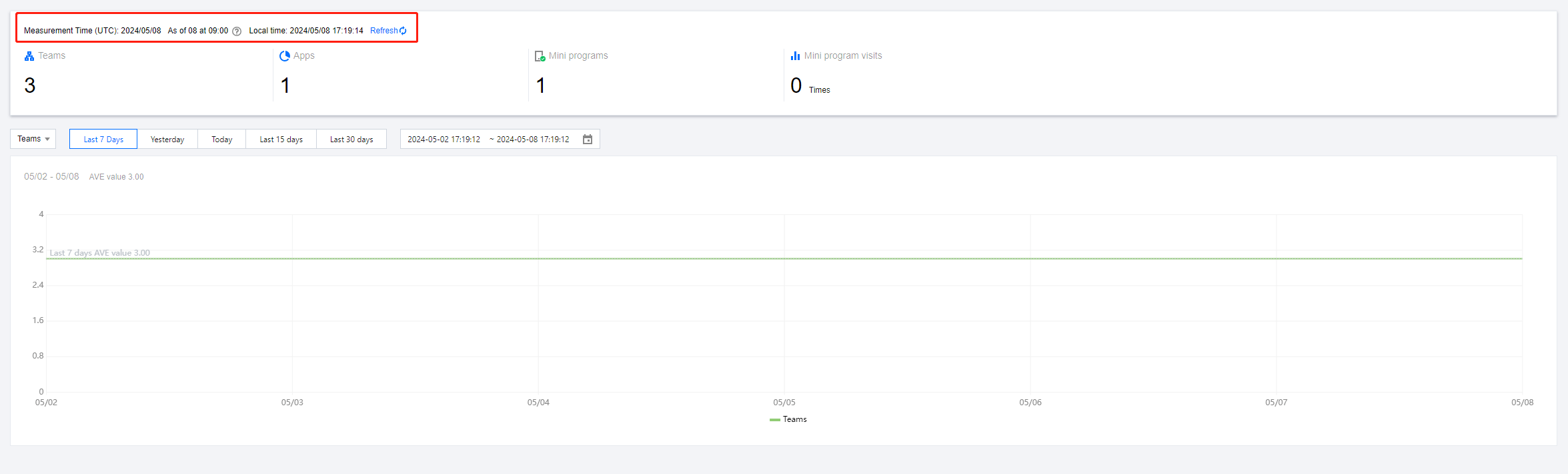
View the operation data of connected applications and mini programs from the enterprise dimension.
Specific functional operations
Filter: You can select a date at the top to further filter the data.
TIP
In order to ensure the accuracy of data statistics, we use UTC time (universal standard time) to count the data. The data is counted every half an hour. When refreshing the data, the data returned is the most recent statistics, not real-time data.
Data Dashboard
functional purpose
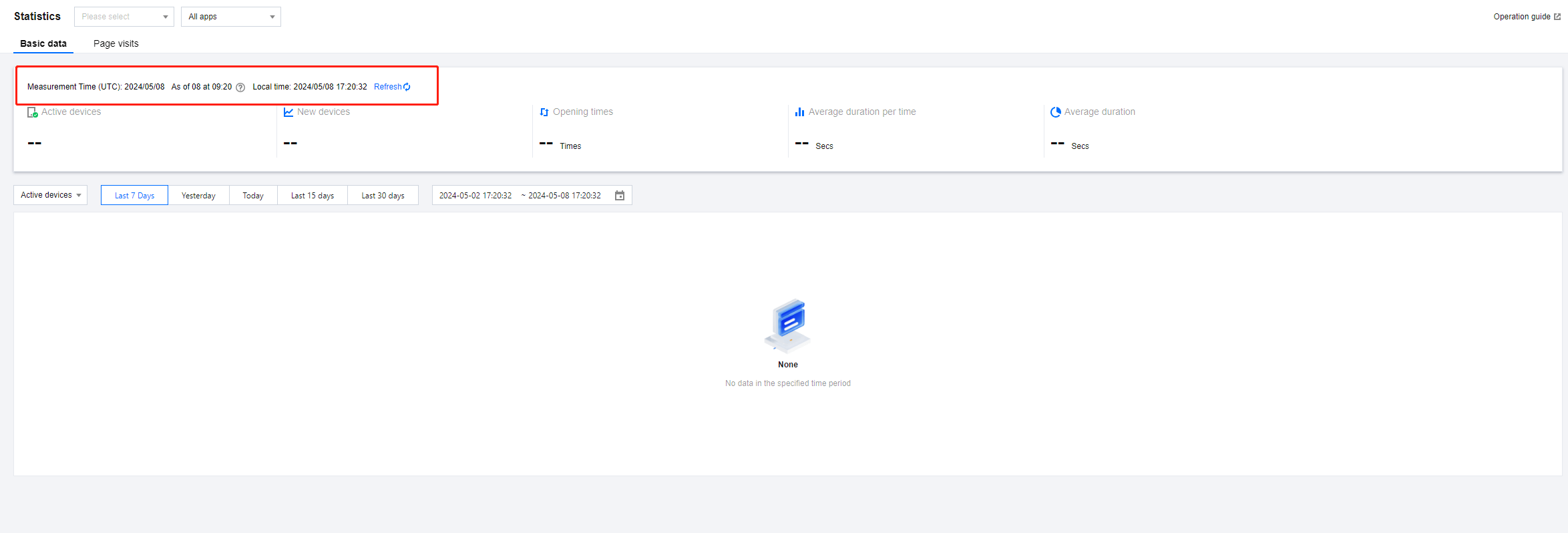
View the operation data of a specified mini program on different applications.
Specific functional operations
Filter: You can select a date at the top to further filter the data, or switch between the basic data and page access pages to view data of different dimensions.
TIP
When you select All Applications in the application filter at the top of the page, the total data of all associated applications of the mini program in the selected time period will be displayed. After the mini program is unlinked from an application, it will not be able to select this application in the application filter, but when selecting All Applications, the corresponding historical data will still be retained.
Mini Program Data
functional purpose
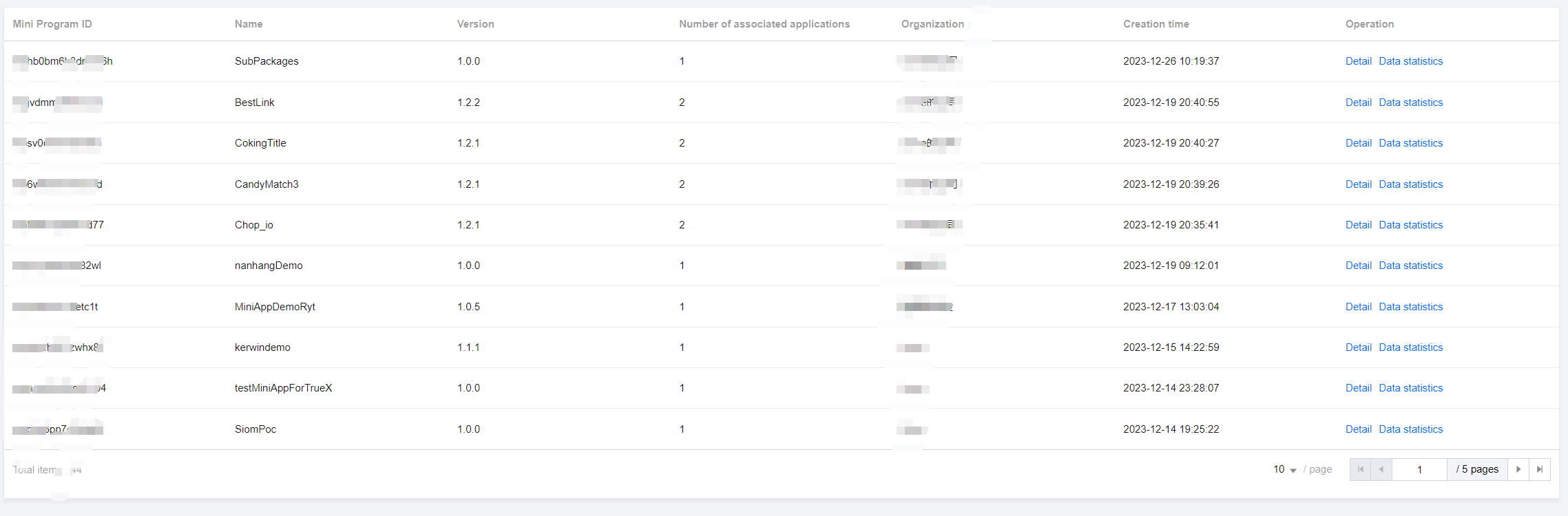
View the main information of the mini program and provide a quick data dashboard jump entry.
Specific functional operations
- Details: Click to view information such as the mini program name, mini program ID, mini program type, mini program description, and associated applications.
- Data statistics: Click to jump to the data dashboard page and automatically select the corresponding mini program.
User Feedback
functional purpose
View the feedback and complaint information submitted by mini program users on the client side.
Specific functional operations
TIP
Feedback logs are stored for 30 days and support downloading log files; logs can be deleted and cannot be restored after deletion.
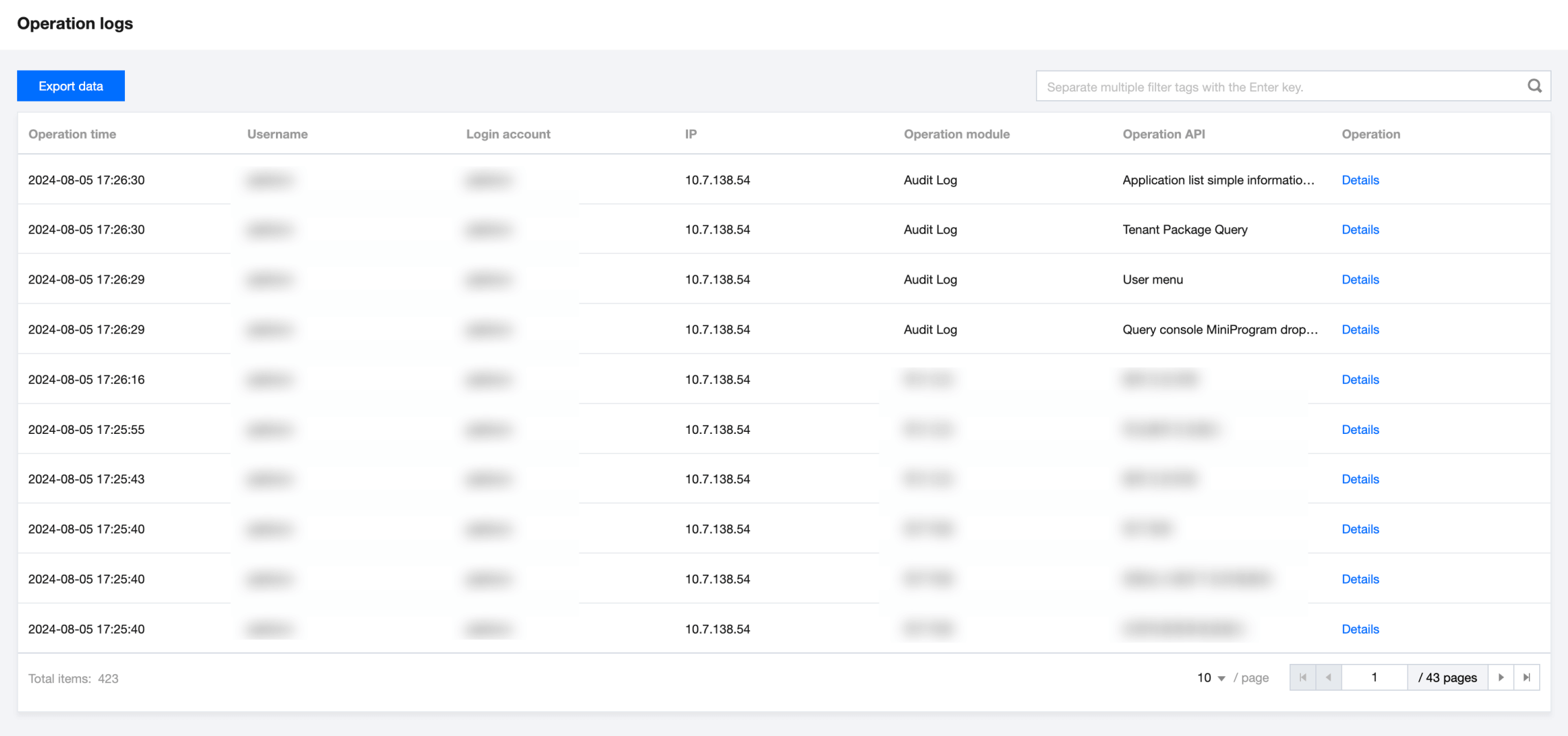
Audit Logs