Settings
The IDE settings page can manage and configure some IDE global configurations, including appearance, language, shortcut keys, security proxy, etc.
Language settings
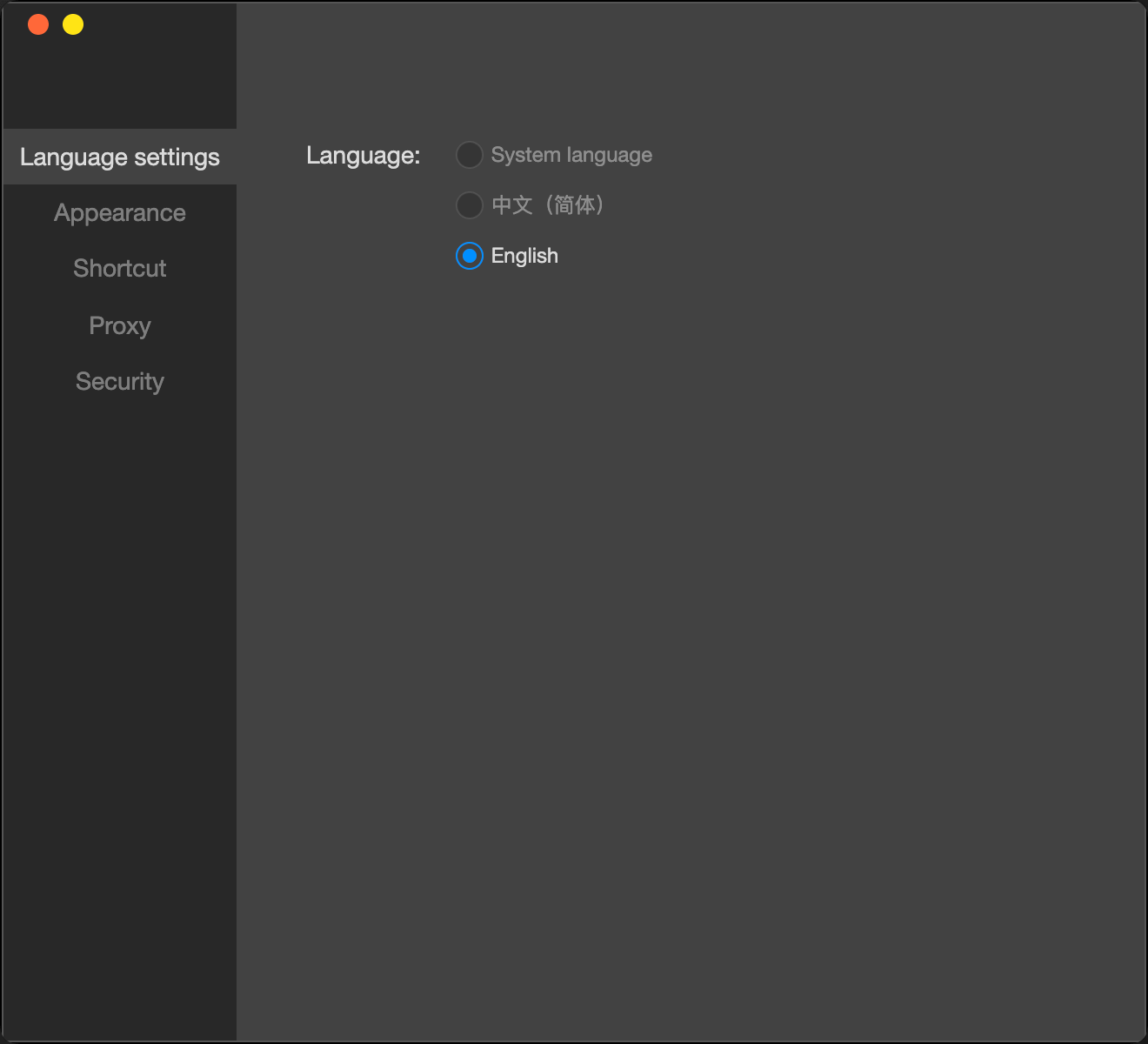
Set the language of the current editor, supporting Chinese and English, and the default is to follow the system.
Editor appearance
Set the theme of the IDE, supporting dark theme and light theme.
Shortcut keys
- Include interface switches and tool shortcut keys;
- Corresponding to the display and hiding of simulators, debuggers, editors and toolbars.
Proxy
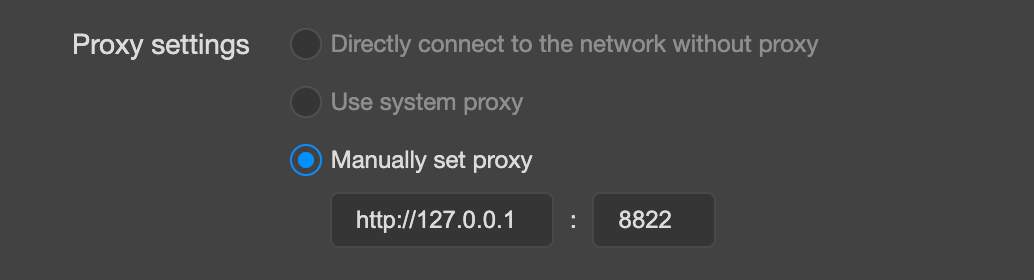
Users can choose to use the system proxy, or not use any proxy (direct connection), or manually set the proxy.
In common cases, if customers need to configure a special proxy to access the public network in a special network environment (such as an intranet), it is recommended to set the relevant configuration in the manual proxy.