Skip to content

What is SuperBox?

SuperBox is a new open capability that allows developers to quickly build mini apps. These mini apps can be easily discovered and shared within Luffa, while providing an excellent user experience

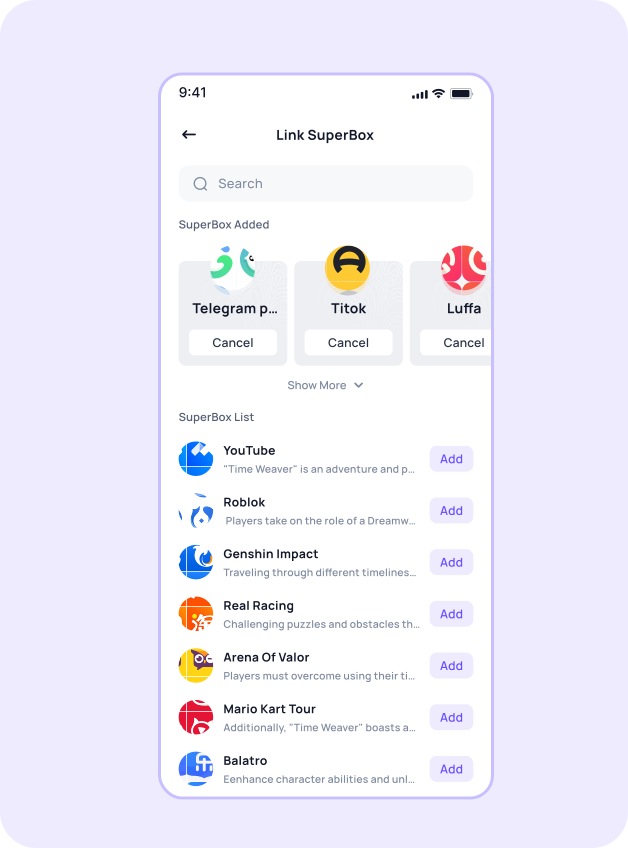
SuperBox Illustration
Phone Mockup
Benefits of SuperBox
No installation required, instant access

Users don’t need to download or install anything. Simply search and open the mini app, saving device storage and time

Low development cost and fast development cycle

Built on the Luffa ecosystem, SuperBox has a low technical barrier and supports rapid iteration and updates, making it ideal for small businesses and individual developers

Easy traffic acquisition through the Luffa ecosystem

Mini apps can be shared directly in chats and channels, and can also attract users through service accounts and other integrations, enabling efficient user reach

Lightweight experience with focused functionality

Mini apps typically focus on core features, offering a clean interface and smooth interaction, ideal for lightweight services and scenario-based use cases

SuperBox Integration Process
01
Register an Account
Team managers, please click the "Register Team Manager" button to register. After registration, log in to your account, fill in the team information, and wait for manual review. Once approved, go to the backend team management module - member management - invitation list - generate invitation codes (select individual or enterprise based on your developer's type and fill in the information)
To register as a team member, please click the "Register as a Regular Member" button. If you did not enter the invitation code shared by the team administrator during registration, you can enter it after logging in to join the team
02
SuperBox or Mini Game Information Completion
Fill in the basic information of the SuperBox or mini game, including the name, avatar, description, and service scope.
03
SuperBox or Mini Game Development
After completing the developer binding and development information configuration, developers can download the developer tools and refer to the development documentation to develop and debug the SuperBox
04
Submit for Review and Release
fter completing the development of the SuperBox or mini game, submit the code to the SuperBox team for review. Once approved, it can be released
05
List on SuperBox
When ready for official operation, notify the SuperBox team to review and list the application on SuperBox
Development support
Provide a series of tools to help developers quickly access and complete the development of Mini Programs.
Documentation
Developer tools
Design guide
Mini Program DEMO
Luffa QR
Scan with Luffa to add customer support
Help you develop Luffa super box better
Scan Illustration
About Luffa
Service Agreement
Operation Specification
Infringement Complaint
Copyright © 2025-2026 Luffa. All Rights Reserved.
Contact Email: [email protected]